Drop the “um”s
Every “um” and “uh” in the speech, found and cut in one go.
Out now · Mac and Windows
Drop in a pile of clips and say one sentence. The AI cuts, adds captions, music and transitions, then checks its own work.
Ultra assistant
Drop in all your clips.






Vlogs, kinetic type, cartoons, captions in Vietnamese and Korean. Drag to see more.
AI voice-over
72 voices, 10 languages. Pick a voice, tap a language, and that voice speaks it.
Find voices by native language
Tiếng Việt · Female · Northern · Natural
“Xin chào, mình là An Nhiên. Bạn gõ gì, mình đọc nấy.”Same voice. Tap the language you want to hear.
Drag sideways to switch voices
Privacy
Your original videos are never uploaded. Voiceover, captions, silence removal and upscaling run right on your machine.
Voiceover, speech-to-caption, silence removal and upscaling all run on your own computer.
Nothing is uploaded to any server, and there's no queue to wait in.
When you ask the AI assistant for help, it only gets text and a few small thumbnails to understand the video. Caption translation and image generation send text only. All of it goes to the AI service you connected.
Every tool
Pauses are found and cut, and the pace still feels hand-edited.
Voice, music and sound effects come apart onto three tracks, each one yours to adjust.
Translated by the meaning of the whole sentence, so it reads like a native wrote it.
Every “um” and “uh” in the speech, found and cut in one go.
Pick the kind of word to remove, like swearing. AI finds every one and wipes it.
A wide two-person talk becomes vertical, the frame following whoever speaks.
AI splits a long video into chapters and exports each one as a short.
Run AI right on your computer, or connect the AI service you already use.
Several versions of your video in one click.
What sets it apart
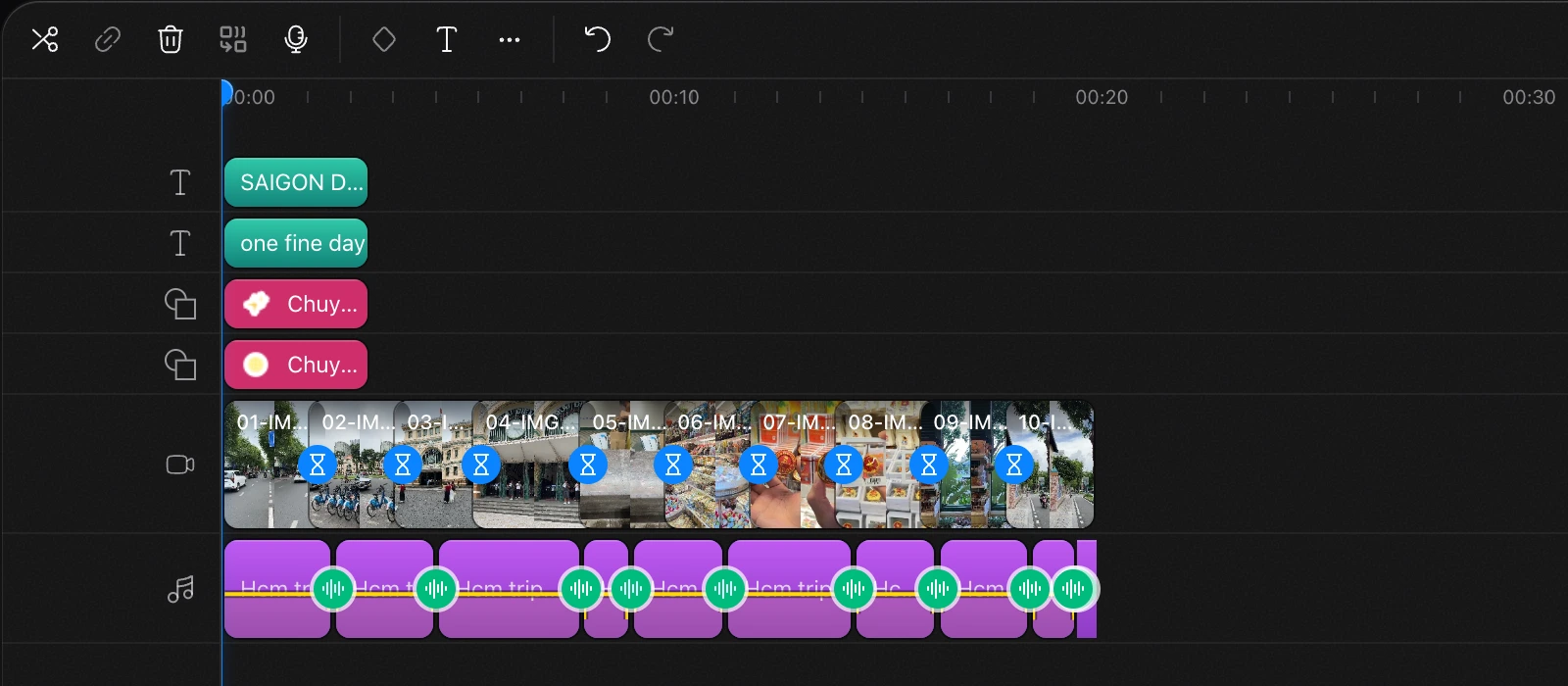
Hybrid editing: when AI is done, every layer sits on the timeline as if you had edited it yourself. Anything not quite right, fix it by hand, no starting over.
And plenty of tools you need every day
Captions, colour, pacing, transitions… that's only the start.
Whatever you can imagine, H cut Ultra helps you make it real.
Hanoi, where I grew up.
Ho Chi Minh City, the hometown of someone dear to me.
Korea, where I study and build H cut.
And one more H, which I keep to myself.
— Việt Anh
FAQ
Tap a question to see the answer. Each one takes a few seconds to read.
A Mac with Apple silicon (M1 or later), or a PC with Windows 10/11 64-bit.
Yes. It needs Windows 10 or 11 64-bit and 8 GB of RAM (16 GB recommended). A dedicated graphics card makes captions faster but isn't required. Tested on a Ryzen 5 4600H with a GTX 1650 Ti.
Your original videos are never uploaded. Voiceover, captions, silence removal and upscaling run on your machine. When you ask the AI assistant for help, it only gets text and a few small thumbnails, sent to the AI service you connected.
To download the app, download the AI packs the first time, and sign in. After that, voiceover, captions, silence removal and upscaling work offline. The AI assistant, caption translation and image generation need a connection; music and stickers download when you use them.
The interface comes in 10 languages, including English and Korean, and voiceover works in 10 languages.
The installer is about 800 MB. AI packs download after installing.
Free to download, with a 7-day Ultra trial when you sign in with Google. See the plans inside the app.
AI video editing, right on your computer.